How Denver Wifi Works at DEN Airport and Beyond

For many travelers, denver wifi means getting online quickly at Denver International Airport, whether they search for DEN, DIA, airport wifi, or denver airport internet. From checking boarding passes to answering the common questions does airport have wifi and is there wifi in airports, people want simple and accurate information before they connect. This guide covers what is denver airport wifi, official network access, and what passengers should know about free passenger wifi inside one of the busiest airports in the United States.
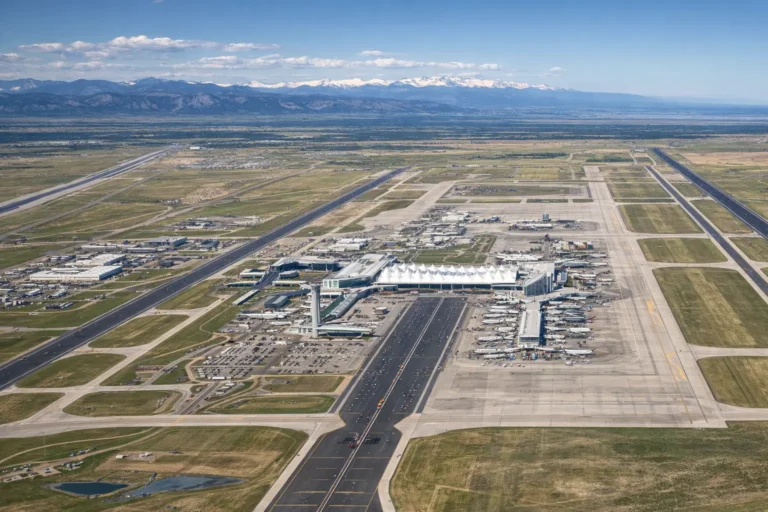
Denver International Airport is not a small regional stop. It handled a record 82.4 million passengers in 2025, making it one of the busiest airports in the country and the world. That scale shapes the online experience. A connection can feel smooth in one part of the building and more crowded a little later when gate areas fill up. Any strong guide on Denver WiFi should begin with that reality. You are not connecting in a quiet DIA lounge at a tiny airport. You are connecting inside a massive travel hub built to serve huge daily traffic.
What is Denver Airport WiFi?
The official airport answer is simple. DEN provides free wireless internet access throughout the airport. Travelers can connect to
- DEN Airport Free WiFi or
- DEN Airport Free WiFi 2.4.
The airport states that service is available across the public airport environment, including the Jeppesen Terminal and concourses. That means most passengers do not need a paid plan just to check a boarding update, send messages, upload a document, or open travel apps. If someone asks what Denver Airport WiFi is, the practical answer is that it is the airport’s free public network for travelers, visitors, and short-stay users who need reliable basic access while on site.
Denver WiFi
| Need | Best answer at the airport | What to expect |
| Free access | DEN Airport Free WiFi or DEN Airport Free WiFi 2.4 | No paid plan needed for standard use |
| Coverage | Terminal and concourses | Broad airport availability |
| Fast setup | Standard network first | Good for quick browsing and travel tasks |
| Wider reach | 2.4 network | Better compatibility and reach in busy areas |
| Work basics | Email, chat, web apps, boarding updates | Usually fine for everyday traveler tasks |
| Sensitive activity | Use extra caution | Public networks are convenient, not private |
| Problem-solving | Reconnect or reload the splash page | Common fix when the portal stalls |
How to join denver airport internet without wasting time
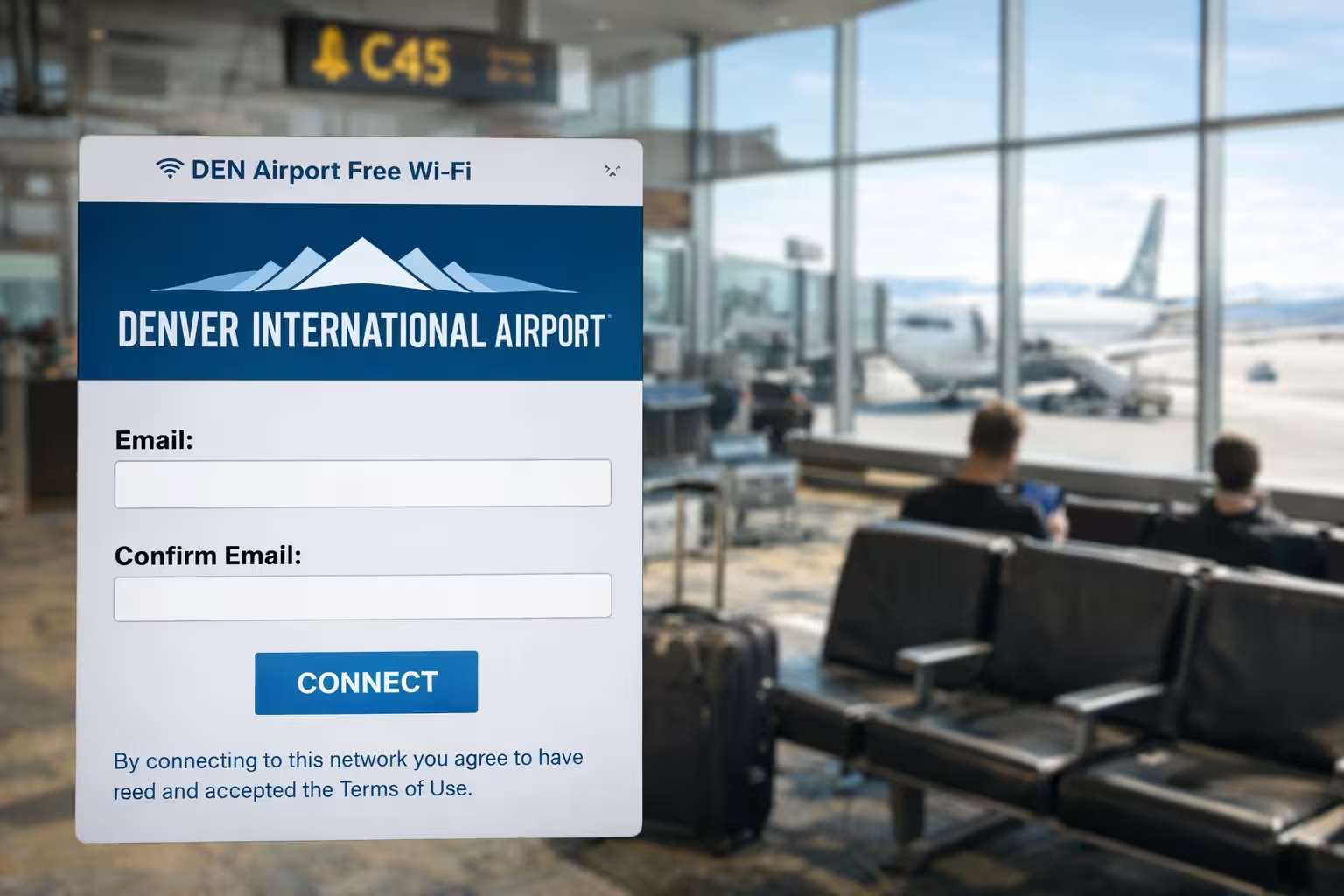
Connecting to Denver Airport internet should take less than a minute if your device behaves normally. Turn on Wi-Fi, open your available networks, and choose either DEN Airport Free WiFi or DEN Airport Free WiFi 2.4. On some devices, a splash page appears right away. On others, it may take a few seconds or need a browser window to open before the access page loads.
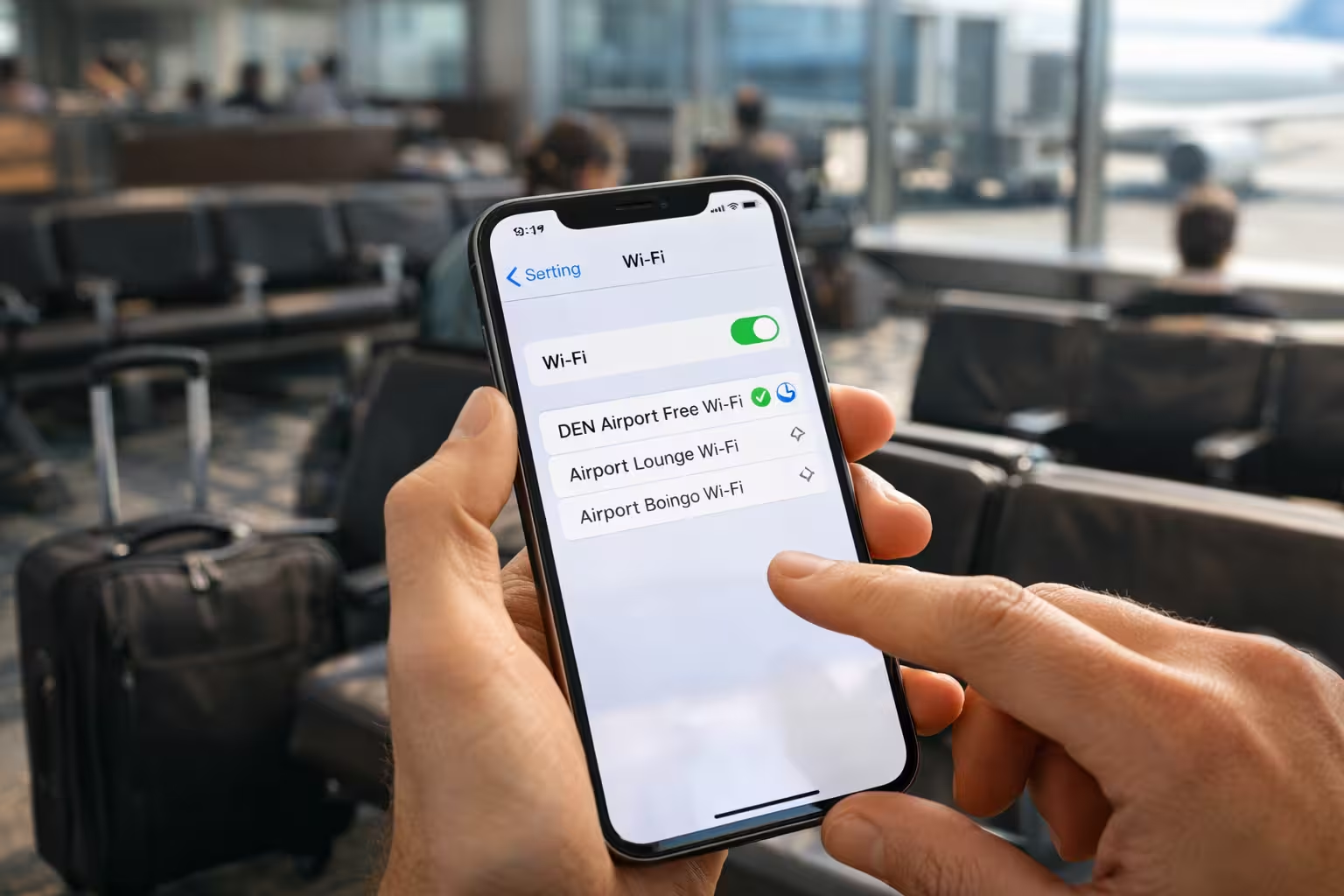
If the splash page does not appear, do not assume the network is broken. Public Wi-Fi portals often fail because a device tries to stay on a cached session, a VPN starts too early, or the browser does not trigger the login step cleanly. The easiest fixes are simple. Forget the network and reconnect. Turn Wi-Fi off and on. Open a browser manually. If you still cannot get online, switch from the main network to the 2.4 option.
Which airport network should you choose
Most people should try DEN Airport free WiFi first. It is the standard choice and often the best fit for everyday browsing, downloads, and app use. The second network, DEN Airport Free WiFi 2.4, matters when range and compatibility matter more than raw speed. In crowded public spaces, a 2.4 GHz option often helps older devices or users sitting farther from the strongest signal path.
That does not mean one network is always perfect and the other is always slow. Airport conditions change by time, gate crowding, and device mix. A network that feels fine near one gate may feel different near another. The smartest approach is practical. Start with the main free option. If pages lag, calls wobble, or the connection drops in a packed area, try the 2.4 network and compare.
Does airport have wifi and is there wifi in airports
“Yes, does the airport have wifi?” is one of the most common traveler questions, and at Denver the answer is clearly yes. The airport and local visitor pages both confirm that wireless internet is free throughout the airport. More broadly, is there wifi in airports? is also a reasonable question because not every traveler flies often. In practice, most major U.S. airports offer some form of airport wifi, but the quality and ease of use vary. Denver stands out because it offers airport-wide free access rather than hiding basic connectivity behind a complicated paywall.
That said, airport access and airport comfort are not the same thing. A free signal can still feel uneven when thousands of people are trying to work, stream, and refresh apps at the same time. This is where a lot of weak articles stop too early. They say the service exists, then move on. A better explanation tells readers what that means in real life. Basic travel tasks are usually fine. Large uploads, long video meetings, or high-quality streaming may feel less steady at peak times, especially in crowded gate zones.
What airport wifi at DEN is good for
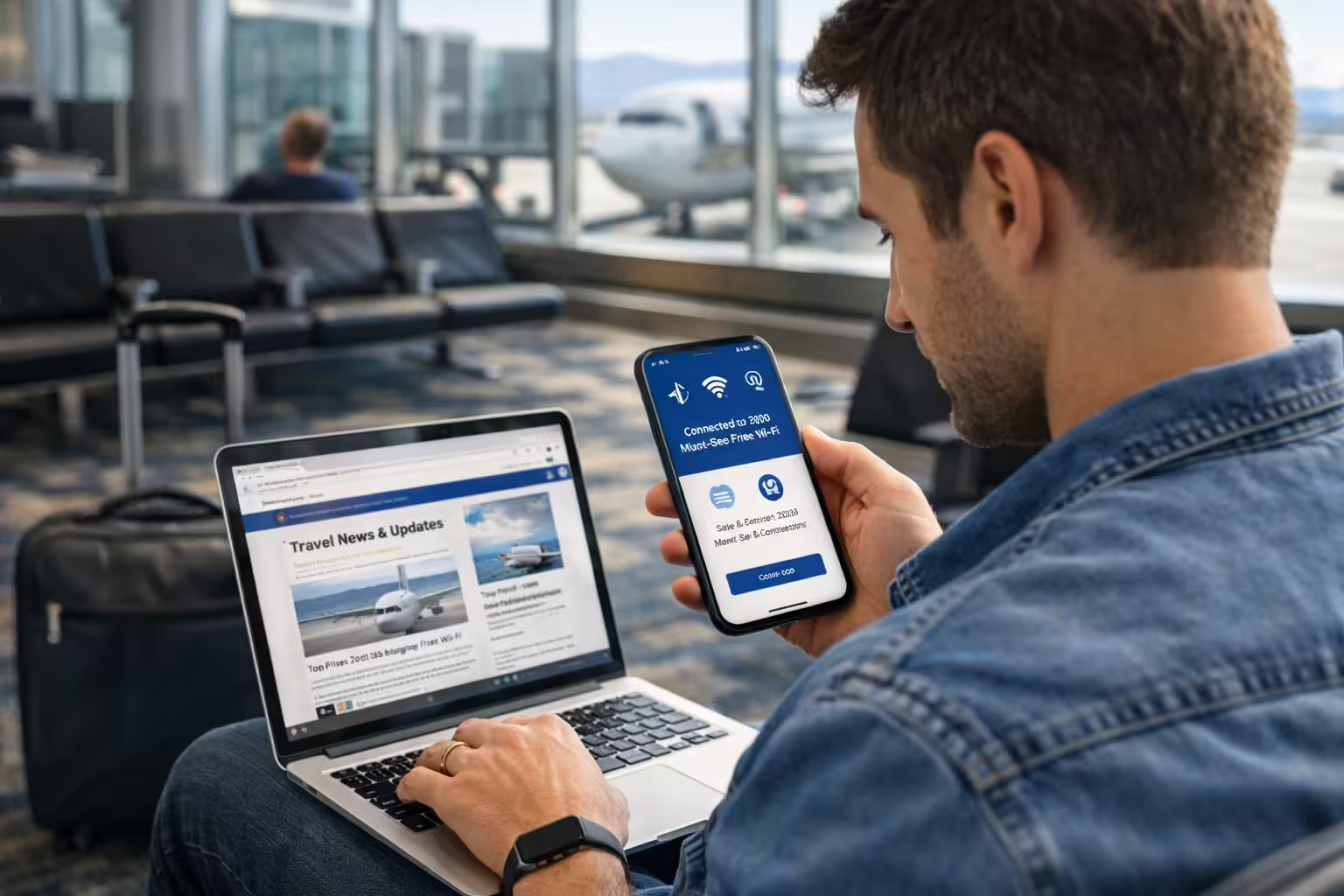
For most travelers, airport Wi-Fi at DEN works well for the tasks that matter most. You can check flight status, download or refresh boarding passes, open maps, message family, handle email, and use ride-share or hotel apps. Those are exactly the activities public airport networks are expected to support. If your goal is to stay organized during a trip, Denver’s WiFi at the airport usually covers the basics without much effort. It also helps families traveling with multiple devices who need a quick shared connection before boarding or after landing.
The experience gets less predictable when the task becomes heavier. Video calls can be hit or miss. Large cloud uploads may drag. Streaming may work, but it is more likely to fluctuate than simple browsing. That does not mean the network is poor. It means you are using shared public infrastructure inside one of the busiest airports in the world. This is why travelers who need absolute stability for work often keep mobile data ready as a backup. The strongest Denver Wi-Fi content should set that expectation clearly instead of promising more than a public network can always deliver.
Passenger wifi safety at a busy airport
The convenience of passenger Wi-Fi comes with a simple tradeoff. Public networks are open and useful, but they are not private in the same way your home network or mobile data connection is. Current Denver Airport Wi-Fi guides consistently warn users not to handle sensitive activity casually on public access. That means banking, new account signups, private work systems, and payment entry deserve extra care. The airport network is there to help you stay connected, not to replace secure personal internet for every task.
A few habits make public access safer without making travel harder:
- Confirm the network name carefully before joining
- Avoid entering financial details unless necessary
- Keep your device updated
- Use trusted apps instead of random downloads
- Disconnect when you are done
Beyond the airport: where else to find Denver WiFi
A lot of pages ranking for this topic barely touch the city itself. That is a missed opportunity because Denver Wi-Fi is also useful outside the airport. One of the strongest public options is the Denver Public Library system. The library states that Wi-Fi is available in all locations for wireless devices, with no password or library card required. The library also offers public computers, printing, and other tech access services. That matters for students, remote workers, families, and visitors who need a dependable stop after leaving the airport.
The library system goes further than many people expect. Denver Public Library resources note that free Wi-Fi is available outside library buildings 24/7, and the system also supports device access through hotspot and Chromebook lending in some programs. That makes the city’s library network more than a simple reading-room amenity. It is part of Denver’s broader public access infrastructure. For a person searching for Denver WiFi because they need practical, low-cost connectivity in the city, that is one of the most useful local answers available right now.
Some local resources also point users toward public networks near schools, city buildings, and community locations, including network names like DPLWireless, DPS Guest, and DenverGuest WiFi, where available. Those options matter most for nearby access rather than full-city roaming. In plain terms, they are best treated as situational tools, not as a citywide guaranteed service. A helpful article should explain that difference. Travelers often assume public access means broad blanket coverage. In reality, it usually means location-based access that works best when you are close to the site offering it.
When to use Denver WiFi and when to switch to mobile data
The smartest way to think about Denver Wi-Fi is to match the connection to the moment. At the airport, free access is excellent for short tasks, messaging, app refreshes, and travel logistics. In the city, library Wi-Fi is useful when you need a place to sit, work, print, or stabilize your connection. Mobile data becomes the better choice when you are moving fast, handling sensitive work, or relying on navigation between stops. None of those options is perfect all the time. Each one works best in a different context.
Common Denver WiFi problems and fast fixes
Most public-network frustration comes from small issues, not major outages. Devices may cling to an old session, auto-join a weak signal, or fail to open the splash page properly. At DEN, the official page itself suggests toggling wireless off and on if you cannot connect. That is not glamorous advice, but it is effective. If the issue continues, forget the network, reconnect, and try the second airport network. Those steps solve many of the problems travelers describe in real use.
If you are in the city and using library access, the same logic often applies. Denver Public Library’s Wi-Fi guide includes specific splash-page troubleshooting because portal-based public access can stall on phones and laptops. The key lesson is simple. When public Wi-Fi looks dead, it is often just stuck between connection and authentication.
What makes Denver’s airport connectivity worth knowing
The airport matters because it is huge, busy, and central to the region’s travel flow. Denver International Airport served more than 82 million passengers in 2025, and the airport describes itself as the 4th busiest in the U.S. and 10th busiest in the world. In a facility of that scale, free internet is not a nice extra. It is part of the basic passenger experience. Travelers need it to move through modern air travel with less friction. When an airport runs at this level of volume, even simple online access affects how smooth the trip feels.
You land; you reconnect; you update people; you check the rail or ride; and you move on. Or you arrive early, open your laptop, and squeeze in an hour of work before boarding. Or you leave the airport and look for a stable public option later in the day. Denver’s airport and library infrastructure together answer those real-world needs better than most quick summaries admit.
Conclusion
The best way to understand Denver Wi-Fi is to see it in two layers. First, there is the airport answer, which most searchers want right away. DEN offers free wireless internet across the airport through DEN Airport Free WiFi and DEN Airport Free WiFi 2.4, making it easy for travelers to handle the basics without paying extra. Second, there is the city answer. Denver also gives people strong public access through the Denver Public Library system and other nearby public networks in select locations.